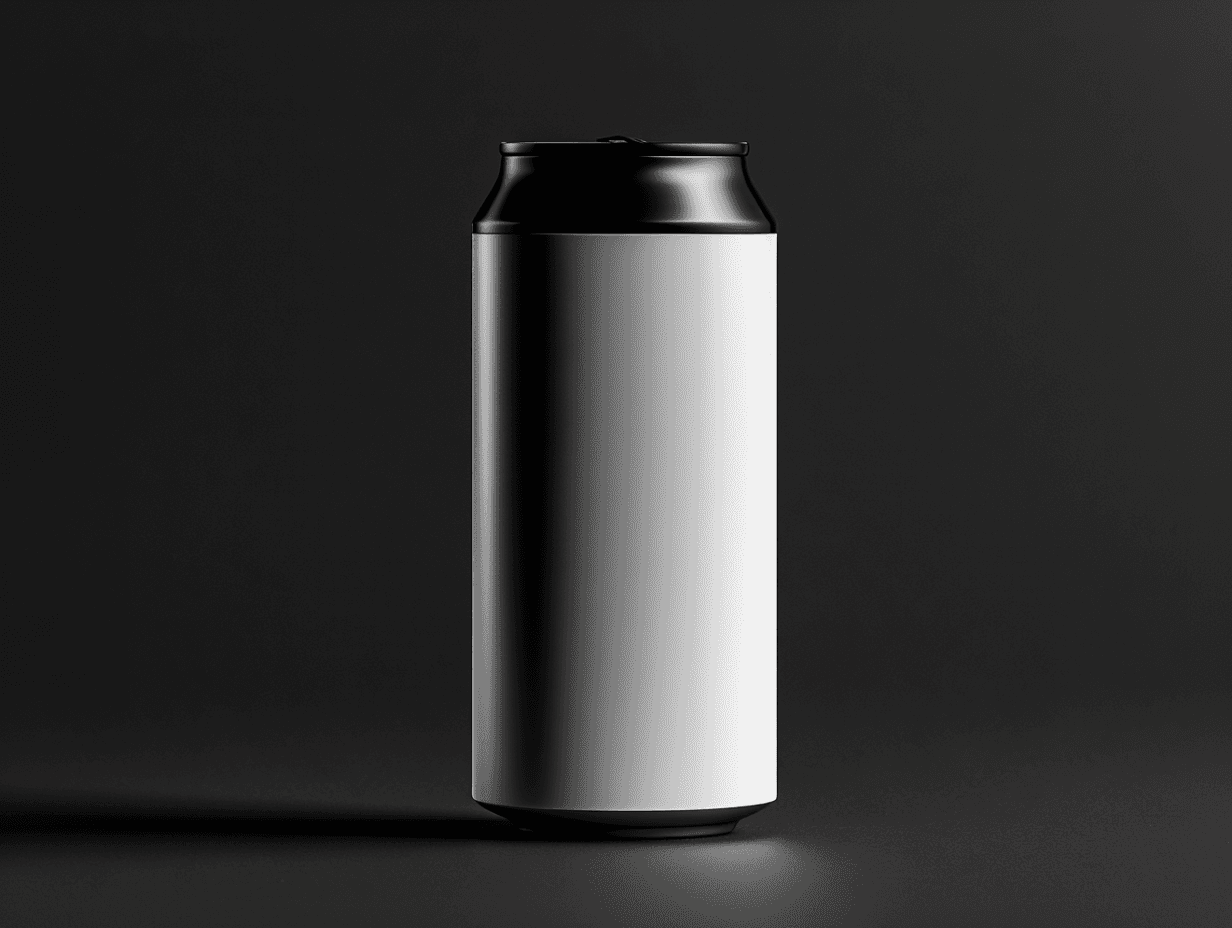
Pump bottle
A sleek matte black pump bottle with a smooth-action dispenser head. Ideal for lotions, serums, and liquid soaps, with a clean surface ready for custom labelling.
$19 USD
Instant download
Pay with

/
800MB
.PSD
4 : 3
8K Resolution
Automated lightbounce
Automatic shadows
Multiple light modes
Perspective controls
Gradient backgrounds
One-click exports
[
Benefits
]
Built for full control.


[
FAQ
]
Still have questions?
What is a PSD product mockup and how does it work?
A PSD product mockup is a layered Photoshop file that lets you place your own artwork — a label, logo, or packaging design — onto a photorealistic product image using smart object layers. You double-click the smart object, paste your artwork, save, and Photoshop automatically composites it onto the surface with the original lighting, shadows, reflections, and perspective intact. No manual warping or masking required. The result is a client-ready product visual that renders your exact design with pixel-perfect accuracy.
What is the difference between a PSD mockup and an AI-generated product image?
A PSD mockup renders your exact artwork with guaranteed accuracy; an AI generator interprets your design and produces a plausible version that may distort logos, blur small text, or alter brand colours. Professional mockups use smart object layers so your design is composited with complete fidelity — letterforms stay exact, brand marks stay intact. AI tools are suitable for rough ideation but cannot guarantee the accuracy required for client presentations, packaging approvals, or paid advertising where brand exactness is non-negotiable.
Are these mockups suitable for commercial use?
Yes. Each mockup is sold with a commercial licence, meaning you can use the resulting visuals in client deliverables, paid advertising, packaging proofs, pitch decks, and social media without attribution. Licence tiers vary — individual, studio, and corporate licences are available depending on usage volume and team size. Always check the specific licence terms for each pack before use in broadcast or large-scale print campaigns.
What file formats are included with a professional product mockup pack?
Professional mockup packs include high-resolution PSD files (typically 4000–6000px at 300 DPI) with fully layered smart objects, separated shadow and highlight layers, and editable background and surface elements. Many packs also include help guides for smart object placement and layer structure. Some studios additionally provide PSDT (Photoshop template) files and JPG preview renders. DNG or Lightroom-compatible files are not included — these files are for Photoshop and Adobe Camera Raw only.
How do I maintain visual consistency across a full product range using mockups?
Use a single PSD mockup file for every SKU in the range. Because the lighting, angle, shadow depth, and surface are fixed within the file, replacing only the smart object artwork for each product guarantees a perfectly consistent set — identical lighting conditions, identical perspective, identical mood across the full line. AI generation cannot replicate this: each generation is independent, so lighting and camera angle drift between outputs even when prompted identically. For agencies handling multi-SKU packaging projects, this repeatability is the primary reason professional mockups remain the industry standard.